
 Thought Leadership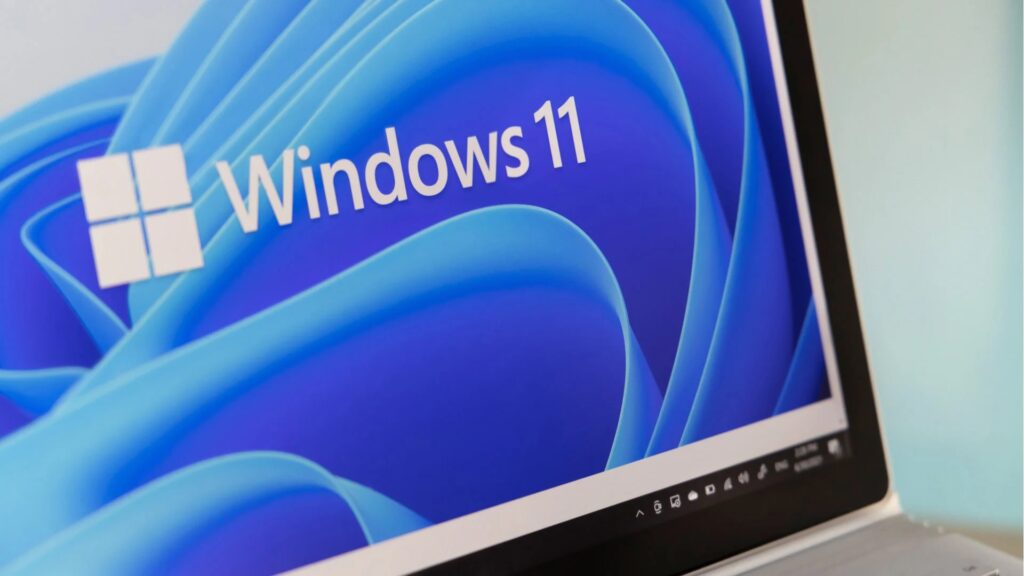
Microsoft is changing the default behavior of a Windows feature that backs up device settings. With Windows 11 26H2, the feature will be enabled automatically — unless administrators explicitly disable it. Organizations outside the European Union will need to take action if they want to prevent it.
Microsoft is changing the default behavior of the feature formerly known as Windows Settings Backup and Restore. Until now, administrators had to enable the service manually. Starting with Windows 11 26H2, that approach is reversed: device settings backup will be turned on by default unless it is explicitly disabled through policy. The only exception applies to devices within the European Union.
The service backs up Windows system settings along with a list of installed Microsoft Store apps. This data can be restored to another device, for example after hardware failure or device loss. Personal files are not included in the backup. Microsoft describes the feature as one component of a broader Windows resilience strategy rather than a full-scale backup solution.
“Windows Backup for Organizations changes the way device refreshes happen. The system has been tested under real-world conditions across Microsoft and enables Microsoft Store apps and user settings to move seamlessly with our employees, eliminating the burden of time-consuming device rebuilds for IT teams. The result is a simpler and more reliable user experience.”
Automatic Activation with an Opt-Out Policy
Once devices are upgraded to Windows 11 26H2, the new default takes effect unless the corresponding policy has already been configured. Organizations that want to prevent automatic backups must manually disable the policy. According to Microsoft, an explicit policy setting always overrides the default behavior.
The change does not affect systems running Windows 11 25H2 or earlier, nor devices where the feature has already been disabled through policy. Windows 11 26H1 will receive the same default behavior in a future feature update. Windows 11 26H2 is currently available in the Experimental Channel of the Windows Insider Program.
Special Exception for the EU
Within the European Union, Microsoft will not enable the feature by default. The exemption is widely seen as a response to the Digital Markets Act (DMA), which imposes requirements on major platform providers regarding user data and digital sovereignty.
Organizations outside the EU that have similar privacy concerns cannot rely on comparable regulatory protections. Instead, they must proactively disable the feature if they want to prevent device settings from being transferred automatically.
For IT departments, the new default introduces another configuration check before deployment. Any feature that silently synchronizes device settings unless administrators opt out requires policy settings to be reviewed well before rolling out Windows 11 26H2.
Microsoft’s Strategic Objectives
According to Microsoft’s documentation, the service is designed to support two broader goals. First, it aims to accelerate device refreshes, Windows 11 migrations, and the rollout of AI PCs. Second, it is intended to help organizations transition toward more cloud-based management of devices and user settings.
Viewed in that context, the automatic backup feature also strengthens Microsoft’s long-term strategy of increasing enterprise integration with its cloud services.
(lb)