
 Thought Leadership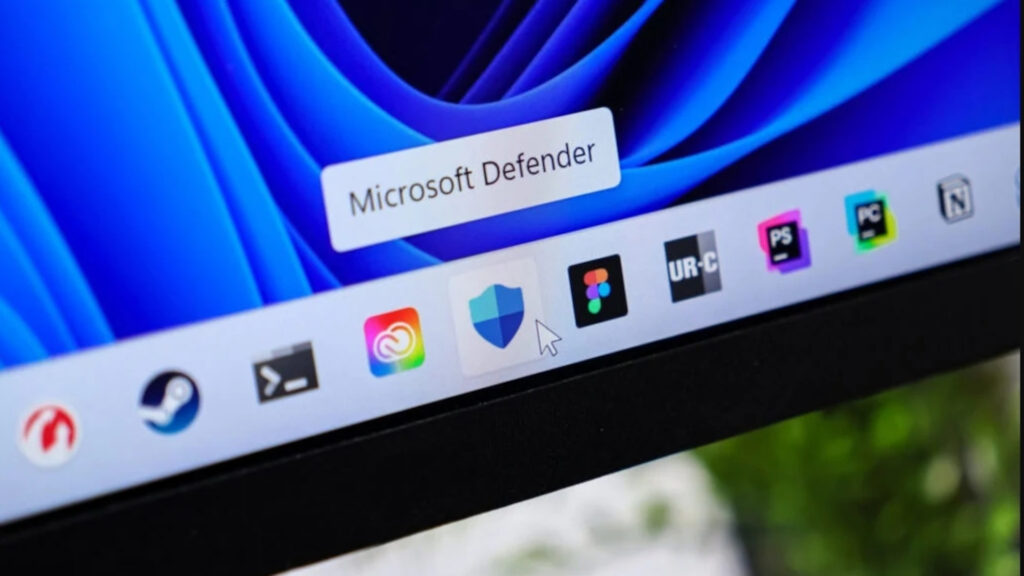
Microsoft has listed two new, officially confirmed or reported issues in the Windows Health Dashboard related to current Windows updates. Among them is a Microsoft Defender bug.
After installing the latest updates for Microsoft Defender Antivirus, some users receive a message stating that antivirus protection is turned off, even though Defender is actually active and all settings indicate proper operation. According to Microsoft, the false notification appears at system startup as well as sporadically during operation and cannot be suppressed even if notifications have been disabled in the settings.
The issue affects practically all currently supported Windows versions with the latest Defender updates: from Windows 10 (versions 21H2 and 22H2 as well as the LTSC editions 2016 and 2019) to all Windows 11 versions up to 26H1, right through to Windows Server 2012 through 2025.
Microsoft classifies the problem as confirmed and states it is working on a solution to be delivered with a future Defender update. The company has not yet provided a specific timeline.
Custom mouse pointers disappear after KB5120998 update
Second reported issue: After installing the updates released on August 27, 2026 (KB5120998 and later), numerous users apparently lose their custom mouse pointer settings. According to reports received by Microsoft, high-resolution (High-DPI) cursors are primarily affected, being replaced by larger, white standard pointers. Custom cursor animations reportedly also revert to factory defaults.
Annoying for those affected: Attempts to restore the original customization reportedly fail. According to the dashboard, this issue exclusively affects Windows 11 versions 24H2 and 25H2; server systems are not affected.
Unlike with the Defender issue, Microsoft has so far only classified the error as “reported,” not as “confirmed.” The company is currently investigating whether an in-house update is indeed the cause and is asking affected users to report the issue via the Feedback Hub app (accessible via Windows key + F) to support the analysis.
What users can do now
There is currently no official workaround for either issue; Microsoft points to future updates or ongoing investigations. Anyone observing these symptoms should report them via the Feedback Hub app, as Microsoft states this feeds into the error analysis. Enterprise IT administrators will find further information in the “Windows release health” section of the Microsoft 365 admin center.
(Editorial Team)